GLim
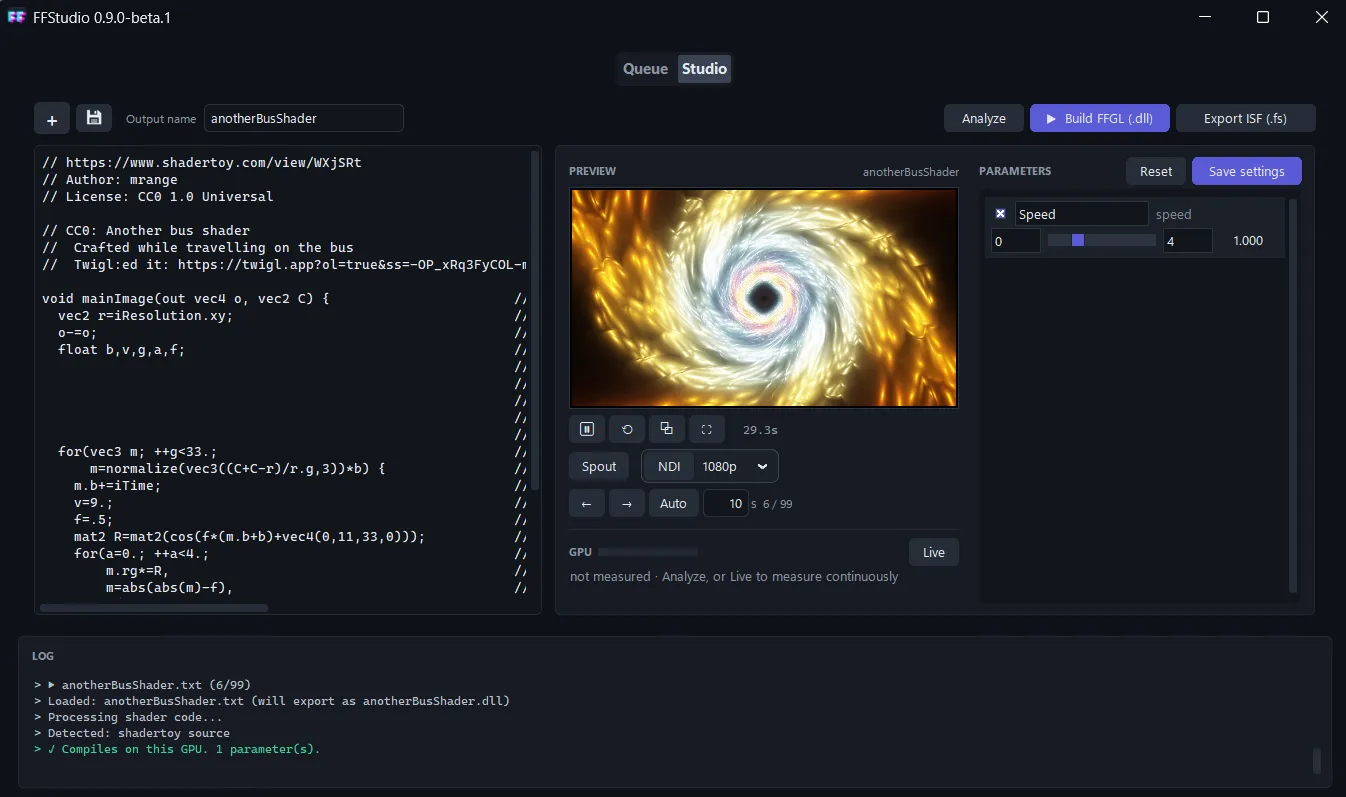
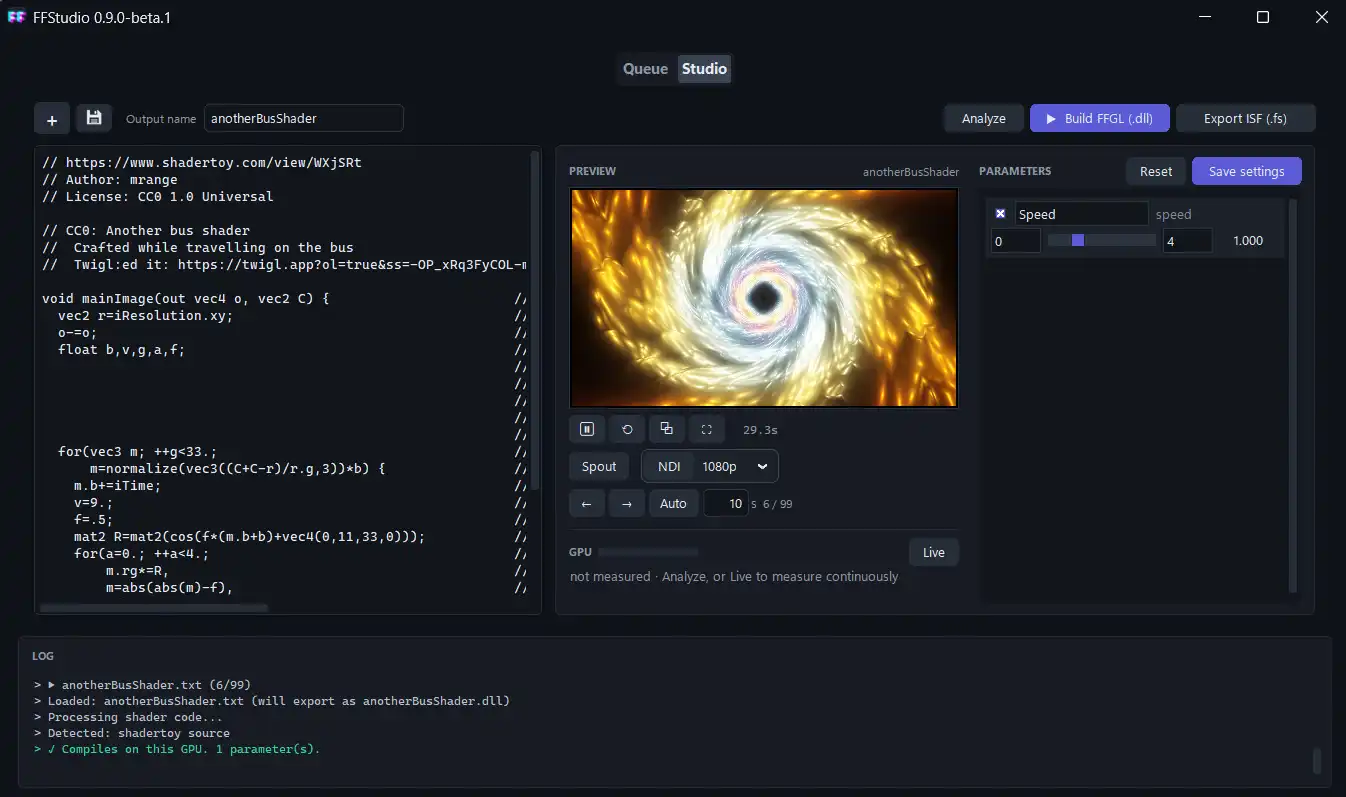
GLim (GL interactive media) plays GLSL shaders live and turns them into plugins for your VJ software. It takes ISF, Shadertoy, GLSL Sandbox and plain GLSL fragment shaders.
Play shaders live
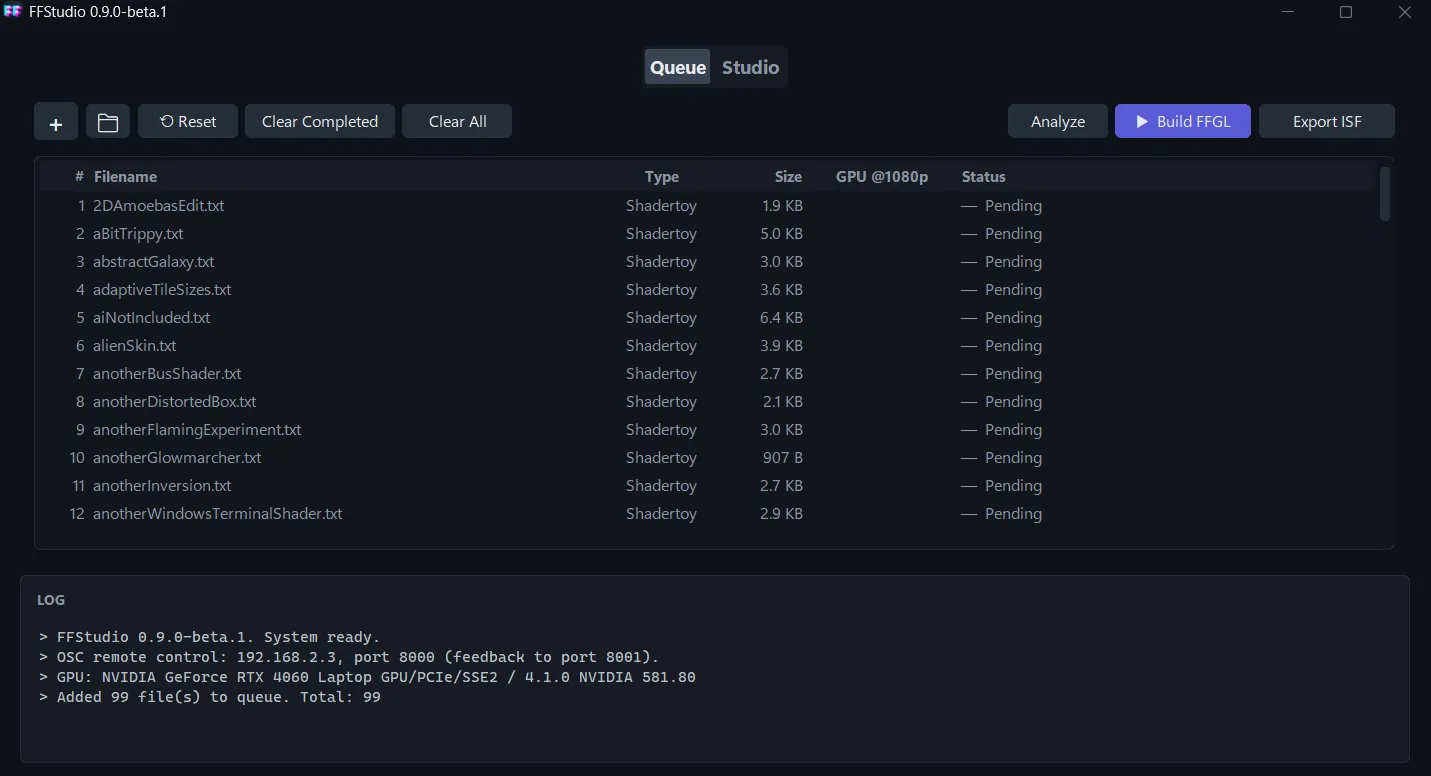
- Playlists: drop a folder of shaders on the Queue tab, then step through them with ← / →, or click Auto to play them as a slideshow that changes every few seconds and loops.
- Fullscreen and output window: show the shader fullscreen, or in its own window on a second monitor or a projector, while FFStudio stays free to use.
- Spout / Syphon: send it to Resolume, MadMapper, OBS, TouchDesigner and other apps on the same computer, at 1920×1080 and about 60 fps, GPU to GPU (Spout on Windows, Syphon on macOS).
- NDI®: send it over the network to other computers, at 1080p or 720p and 30 fps.
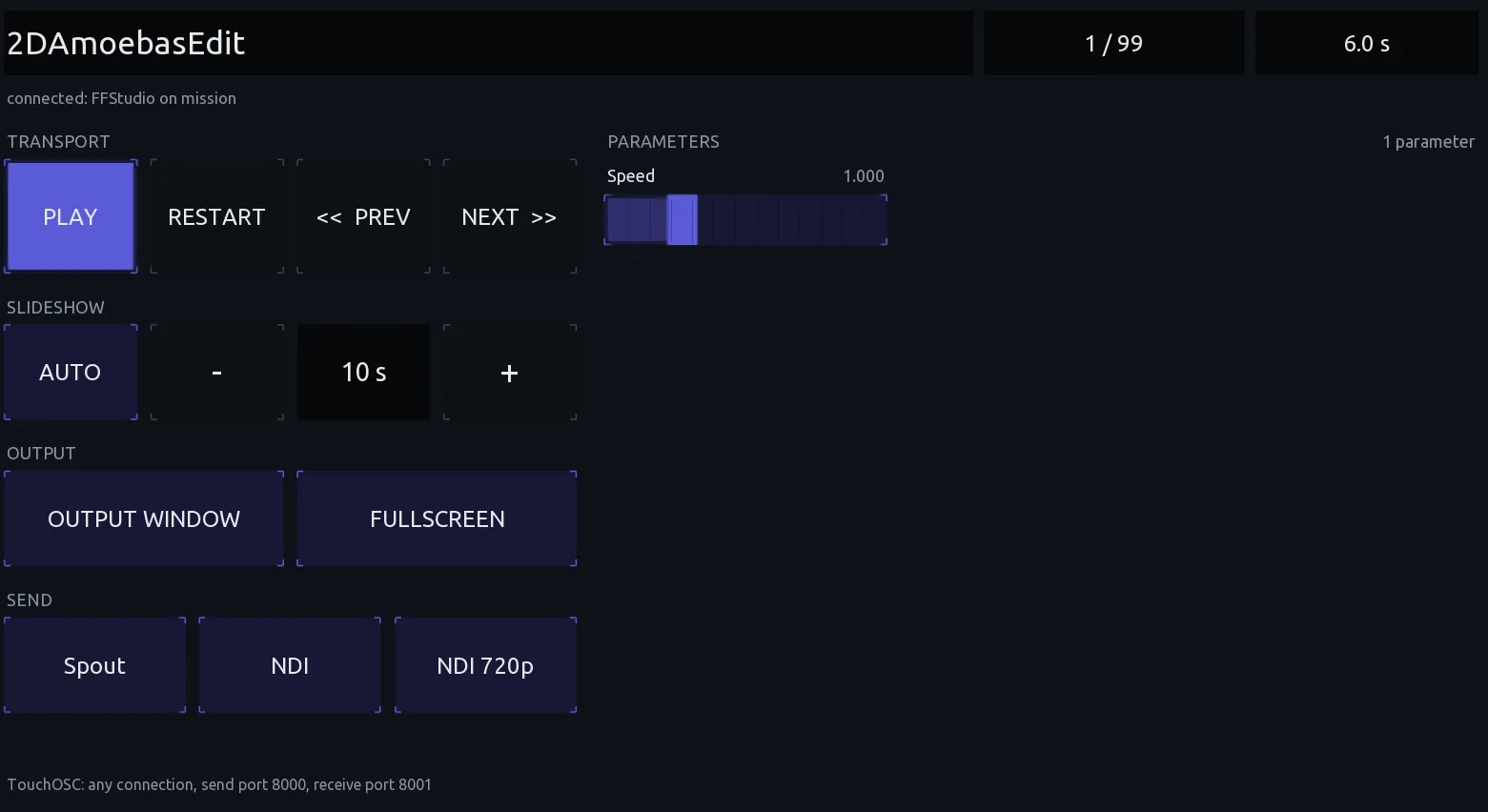
- TouchOSC remote control: run playback, the playlist, the slideshow, the outputs and the shader’s parameters from a phone or tablet. Layouts for both are included.
- Live parameters: every parameter gets a slider, switch or menu that changes the shader as it plays; your settings are saved with the shader.
All of these keep running as you switch shaders, so a queue of shaders can drive a whole show.
Convert shaders
- FFGL 2 plugins for Resolume 7.21.3+ and other FFGL hosts (.dll on Windows, universal .bundle on macOS)
- ISF 2 files (.fs) for MadMapper, VDMX, Millumin and other ISF hosts